
Finding and Using Modules
A core concept in RIOT is the use of modules.
Modules are a way to organize code and data in a way that makes it easy to reuse
and share. In the previous tutorial, we created a simple hello world program and
you might have noticed that we included a module called ztimer. ztimer is
one of the core modules in RIOT and provides a way to work with timers, both
software and hardware timers are supported.
Lets take a look at how we can use modules in RIOT and where to find them.
About Modules and Packages
Section titled “About Modules and Packages”RIOT generally distinguishes between modules and packages, where modules are part of the source tree and packages are pulled in from external sources and repositories. The reason for using external packages is to avoid maintaining foreign code as part of the RIOT project and also to avoid potential license issues.
External packages are sometimes patched by the RIOT build system to interact with the built-in functions that RIOT provides rather than what might have originally been intended.
While the goal is to work with external packages as seamlessly as possible, the integration can be less elegant or straight forward to use compared to the built-in modules.
Step 1: Finding Modules
Section titled “Step 1: Finding Modules”RIOT provides a number of modules that you can use in your application, including modules for networking, sensors, and more. Depending on the goal of your application, you might need to use different modules and sometimes even create your own. So where can you find these modules?
There are several approaches to this and none of them are wrong.
Approach 1: The API Documentation
Section titled “Approach 1: The API Documentation”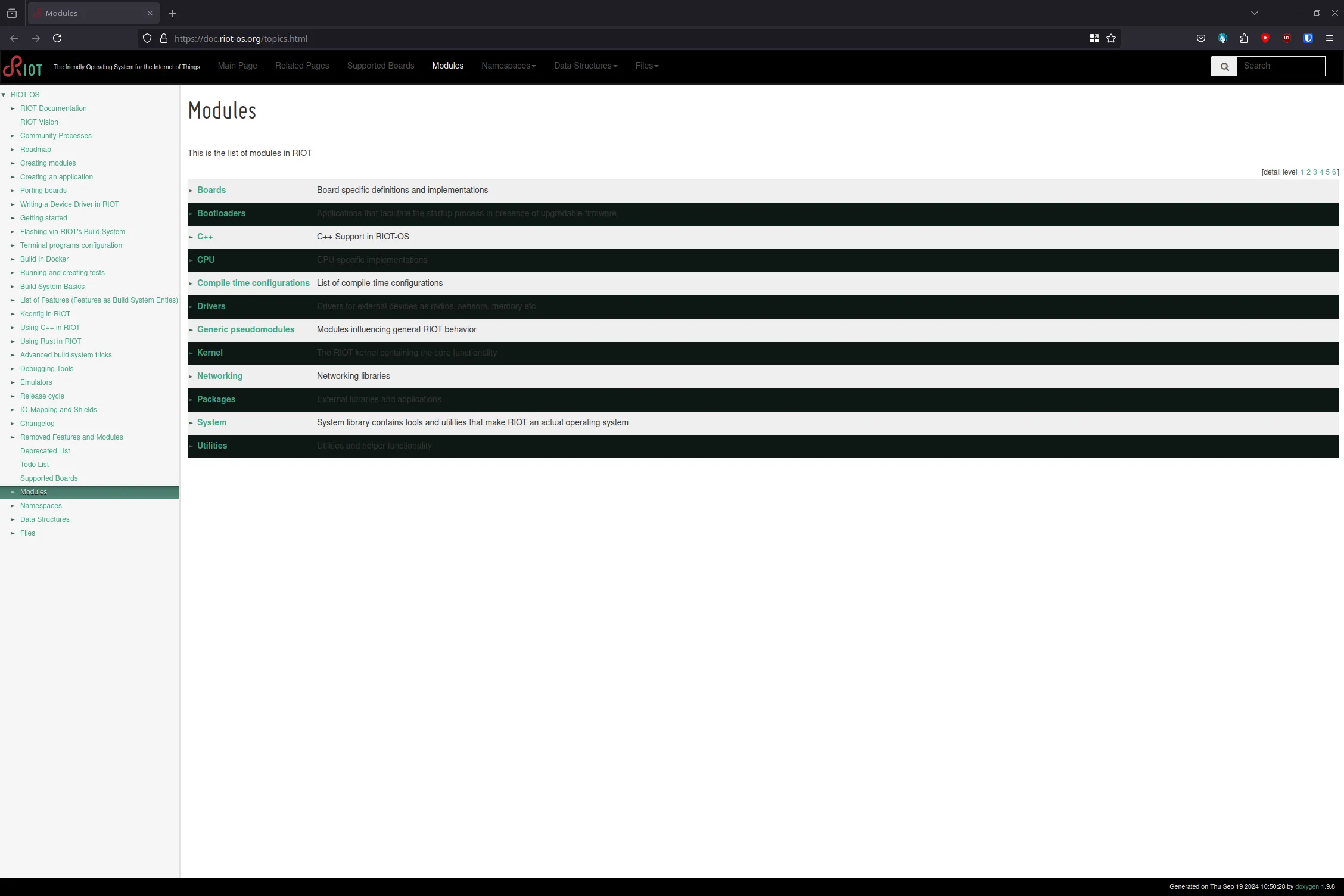
The first approach is to look at the API documentation. The API documentation provides a list of all modules and functions that are available in RIOT and can be found here.
It can be a bit overwhelming to find the right module in the API documentation, but it is a good starting point if you know what you are looking for.
Approach 2: The Examples
Section titled “Approach 2: The Examples”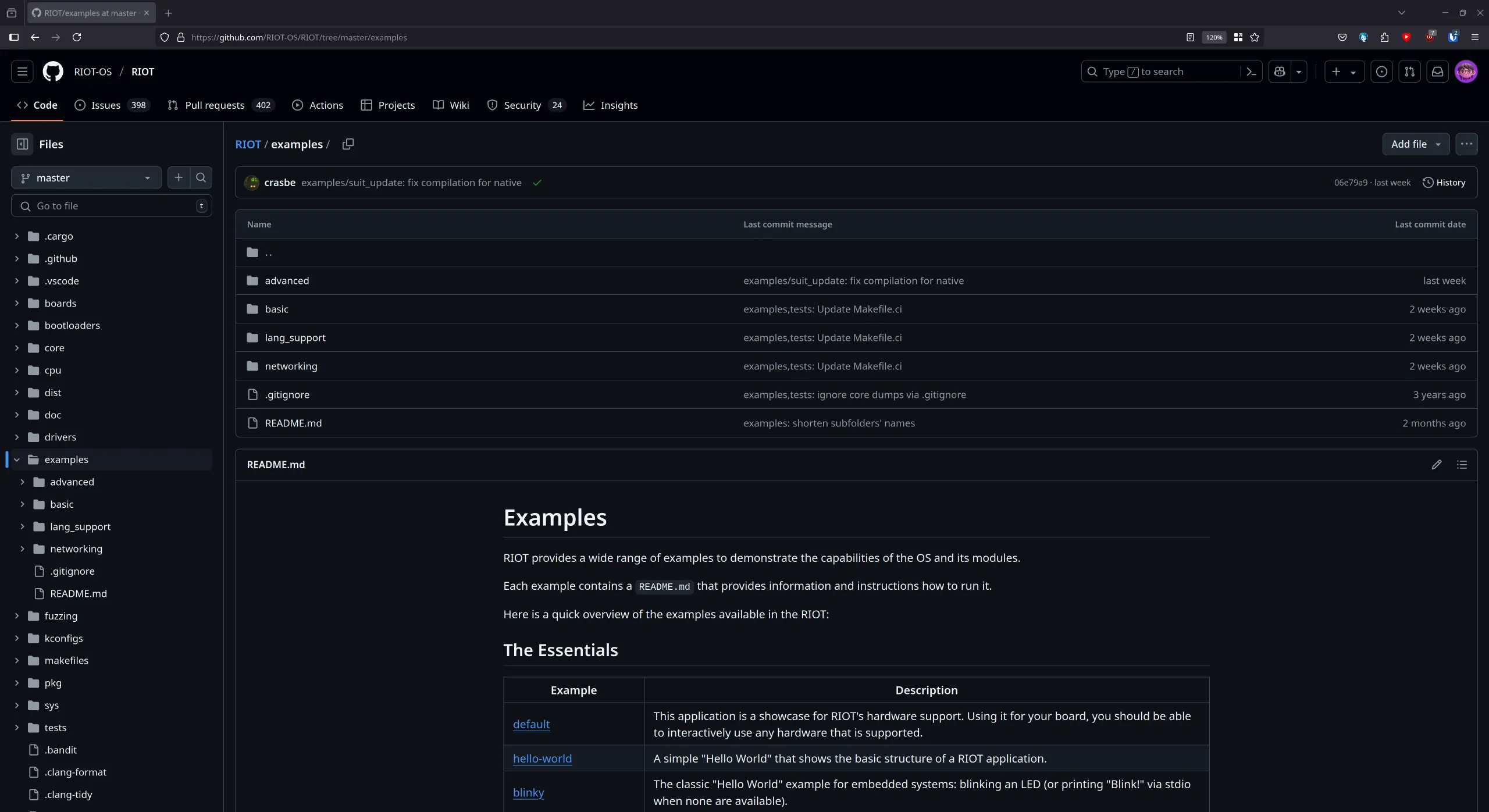
Another approach is to look at the examples that are provided with RIOT. The examples are a great way to learn how to use a module and see it in action.
You can find the examples in the examples directory of the RIOT repository,
most of them come with a Makefile that you can use to build the example and a
ReadMe file that explains what the example does.
Approach 3: The Source Code
Section titled “Approach 3: The Source Code”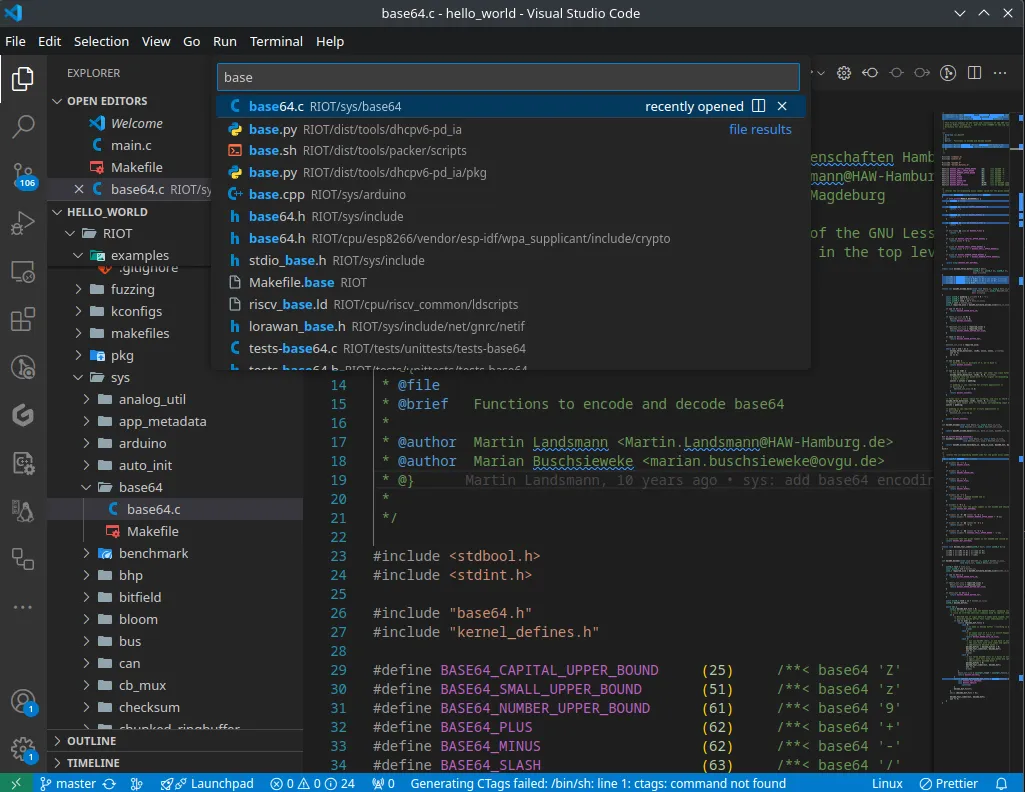
The last approach is to look at the source code of RIOT. This can be a bit more challenging, but sometimes it does provide the best insight into how a module works.
Let’s say I want to use base64 encoding in my application. I can search the RIOT
repository for base64 and see if there is a module that provides this
functionality.
Approach 4: Asking for Help
Section titled “Approach 4: Asking for Help”Step 2: Using Modules
Section titled “Step 2: Using Modules”Using modules in RIOT is quite simple. You just need to list any modules that
you want to use in your application in the Makefile of your application.
If we look back at our hello world program, we can see that we included the
ztimer module in the Makefile like this:
USEMODULE += ztimer_secAfter that we were able to simply include the ztimer module in our main.c
file like this:
#include "ztimer.h"and then use the ztimer_sleep function in our program to sleep for 3 seconds.
ztimer_sleep(ZTIMER_SEC, 3);That’s it! You have successfully used a module in RIOT with just a few lines of code.
Step 3: Using Packages
Section titled “Step 3: Using Packages”As previously discussed, RIOT provides some external packages that you can include in your application.
You can include a package, for example mcufont, by adding this line to your
Makefile (Remember, always before include $(RIOTBASE)/Makefile.include):
USEPKG += mcufontUsing packages is often more challenging than using modules. Some packages
require additional CFLAGS or other configuration flags to function as
intended. So the best strategy for using a package is to look at examples or
tests that use it. The package tests can be found in the tests/pkg
subdirectory.